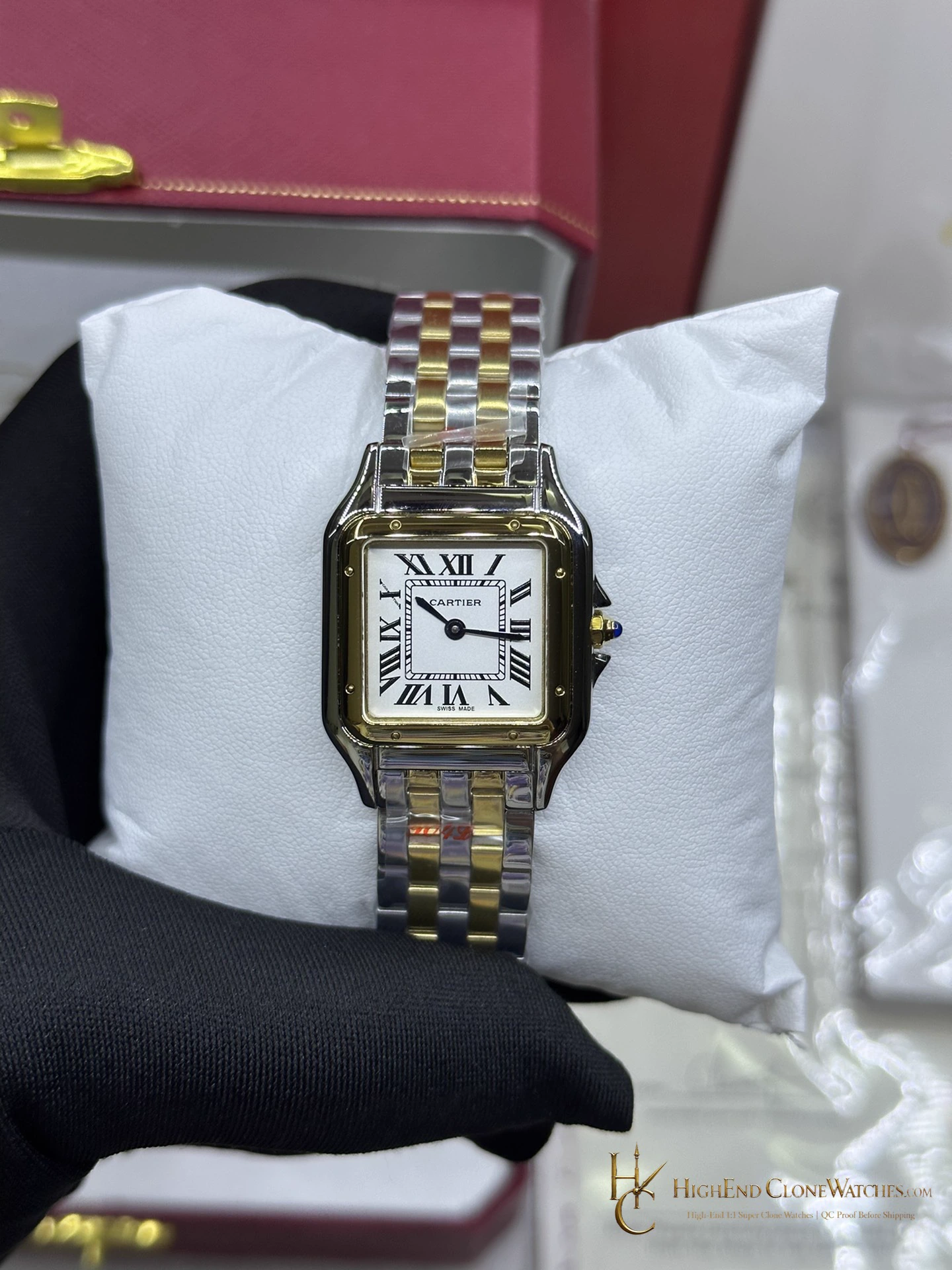
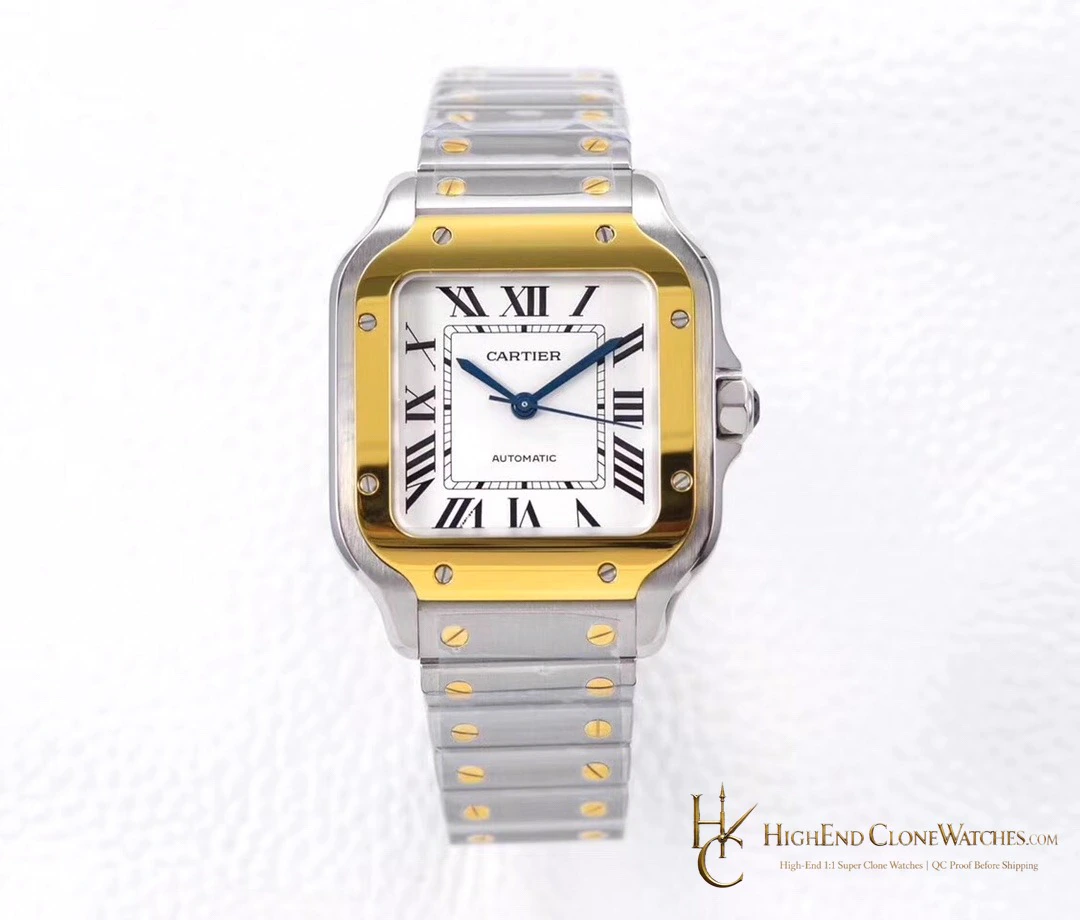
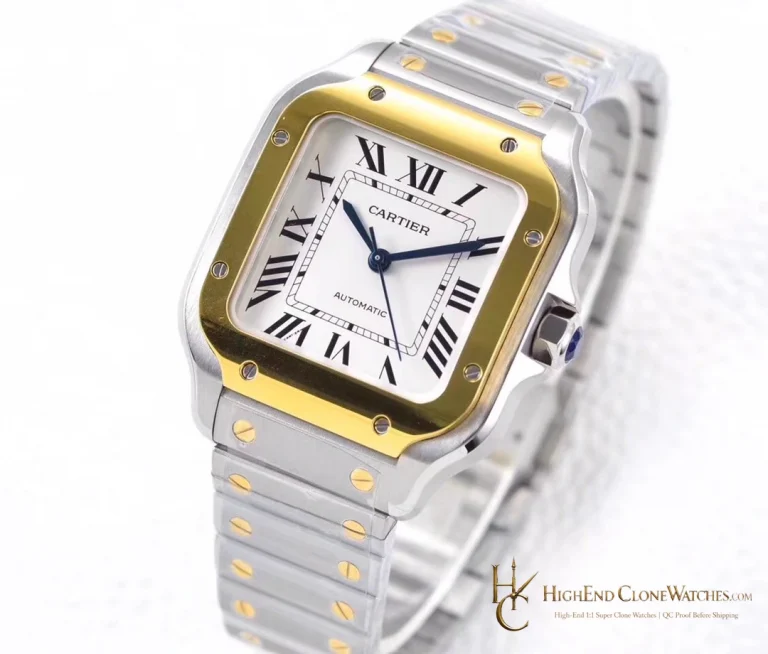
Cartier / Panthere de Cartier / W2PN0013
Cartier Panthere W2PN0013 22mm x 30mm Two-Tone
Compact 22mm x 30mm Panthere case, silvered dial, and two-tone multi-link bracelet.
$680.00 Original price was: $680.00.$480.00Current price is: $480.00.
The smaller Panthere
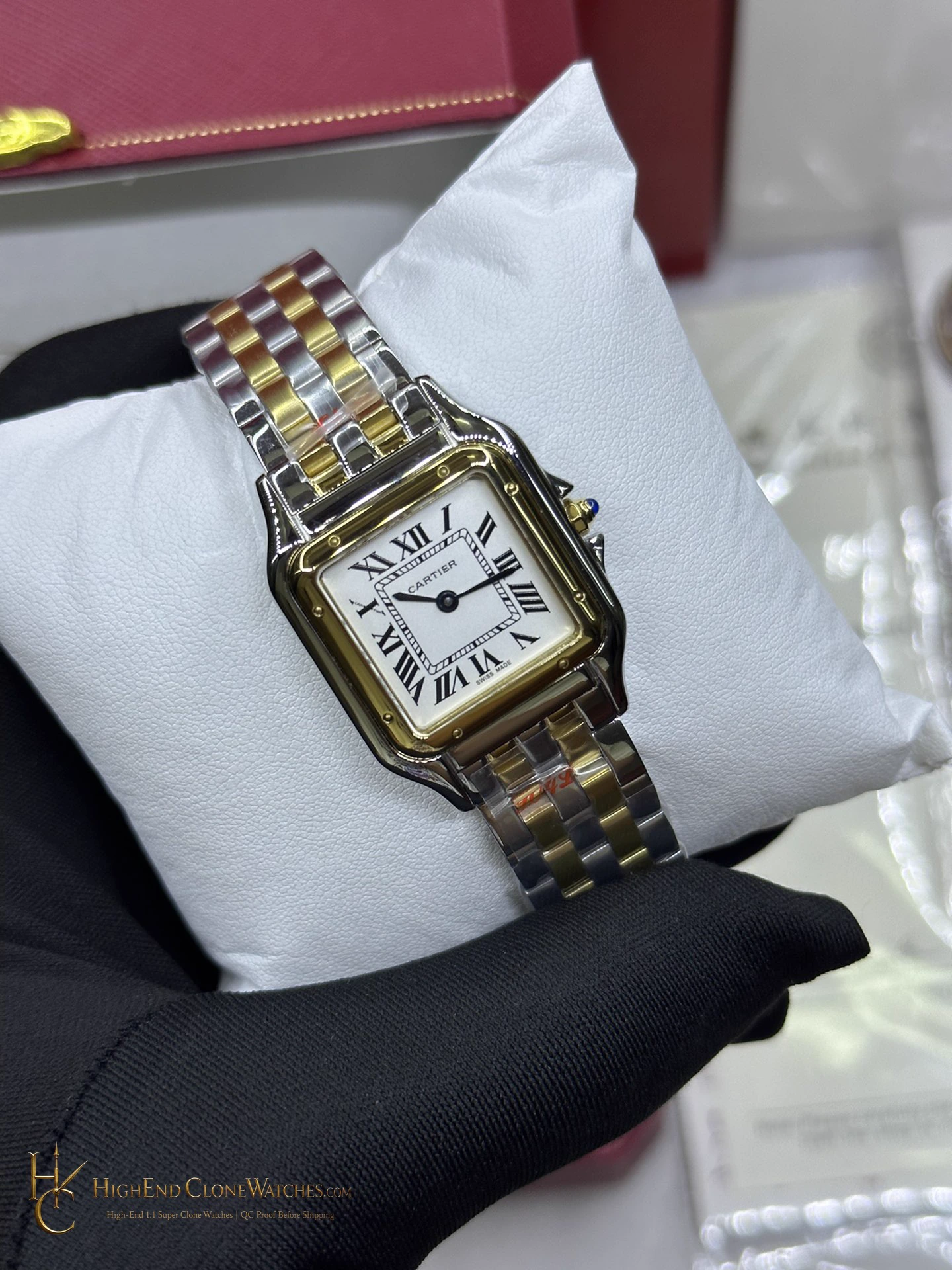
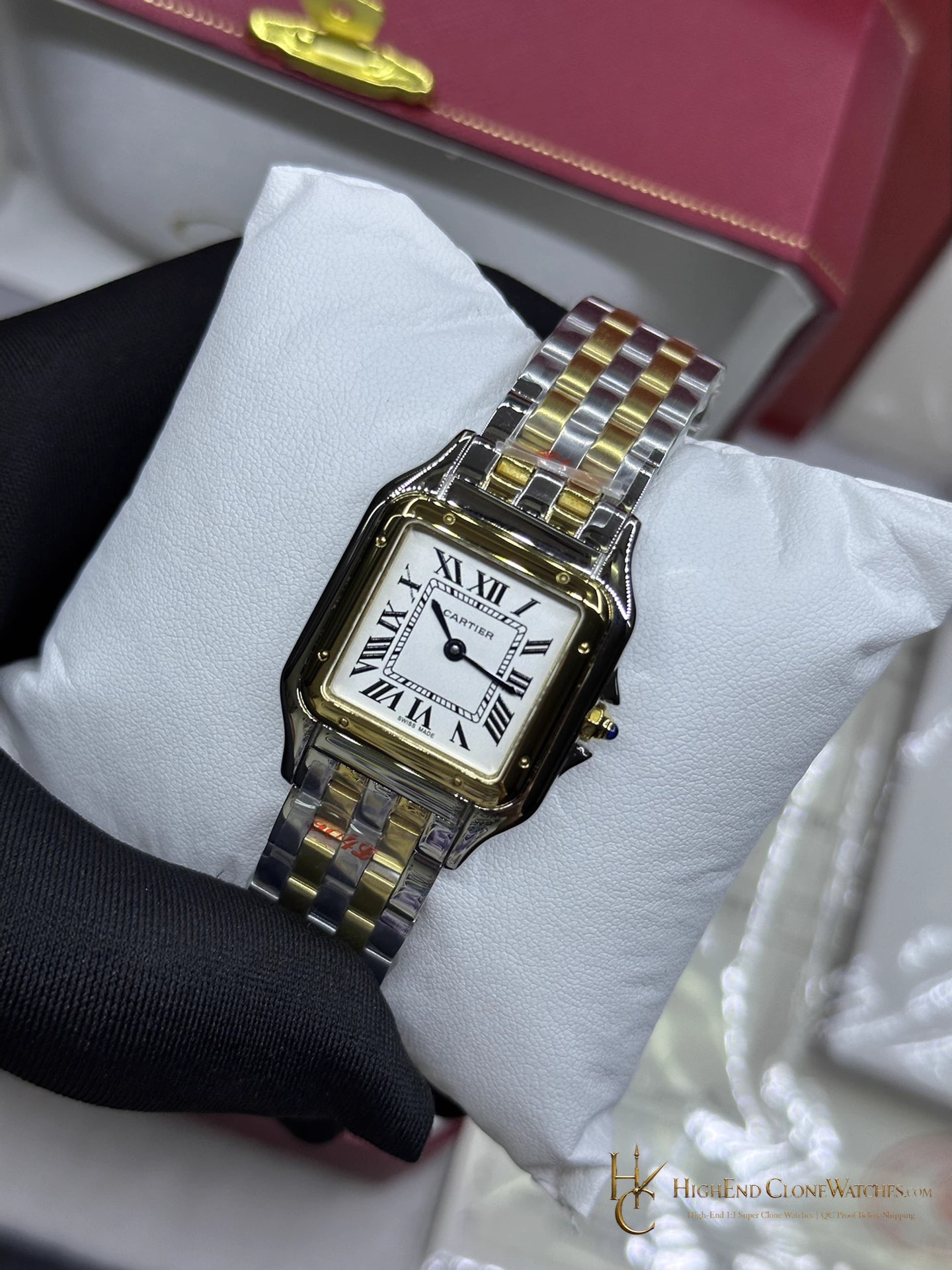
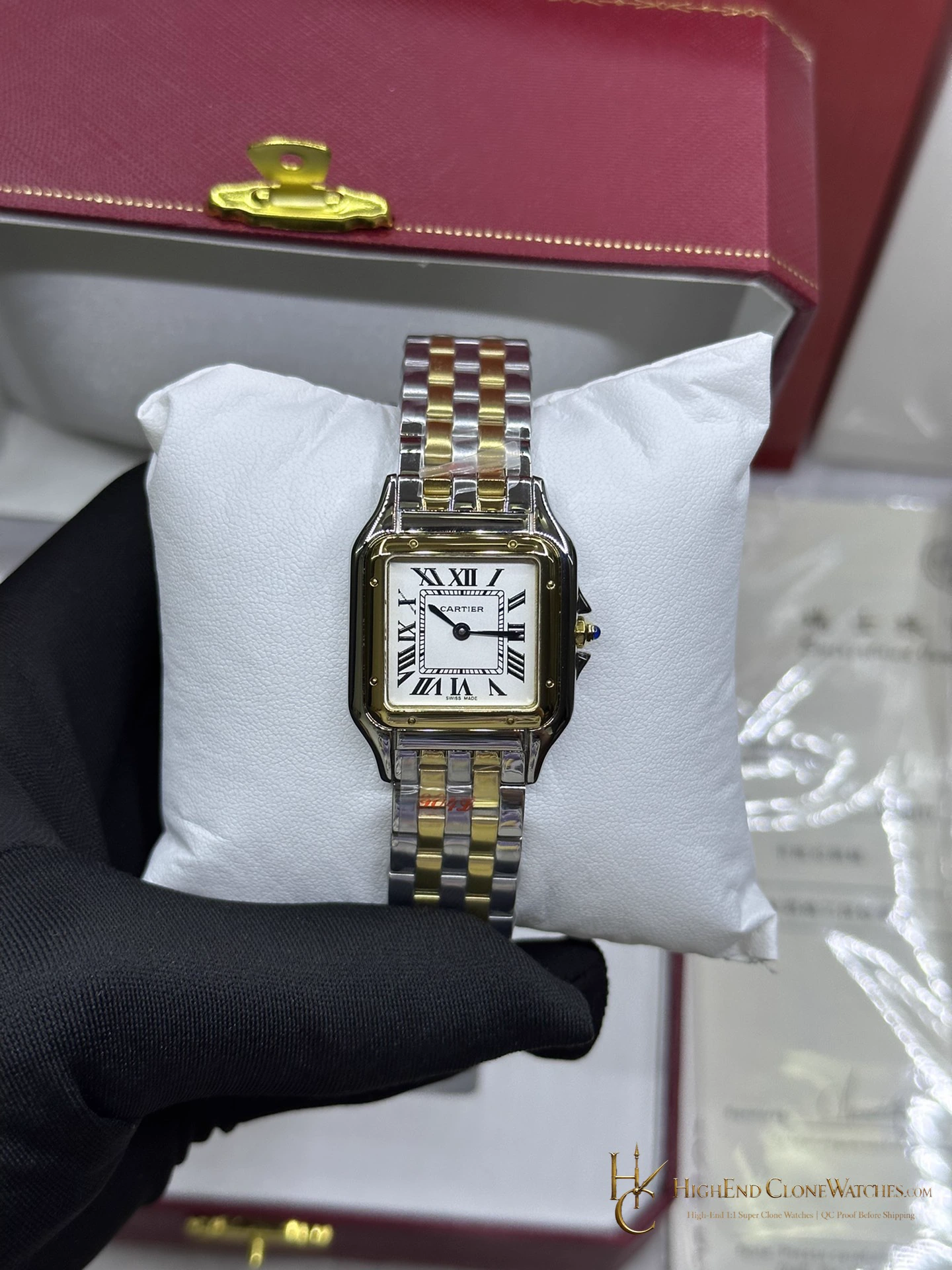
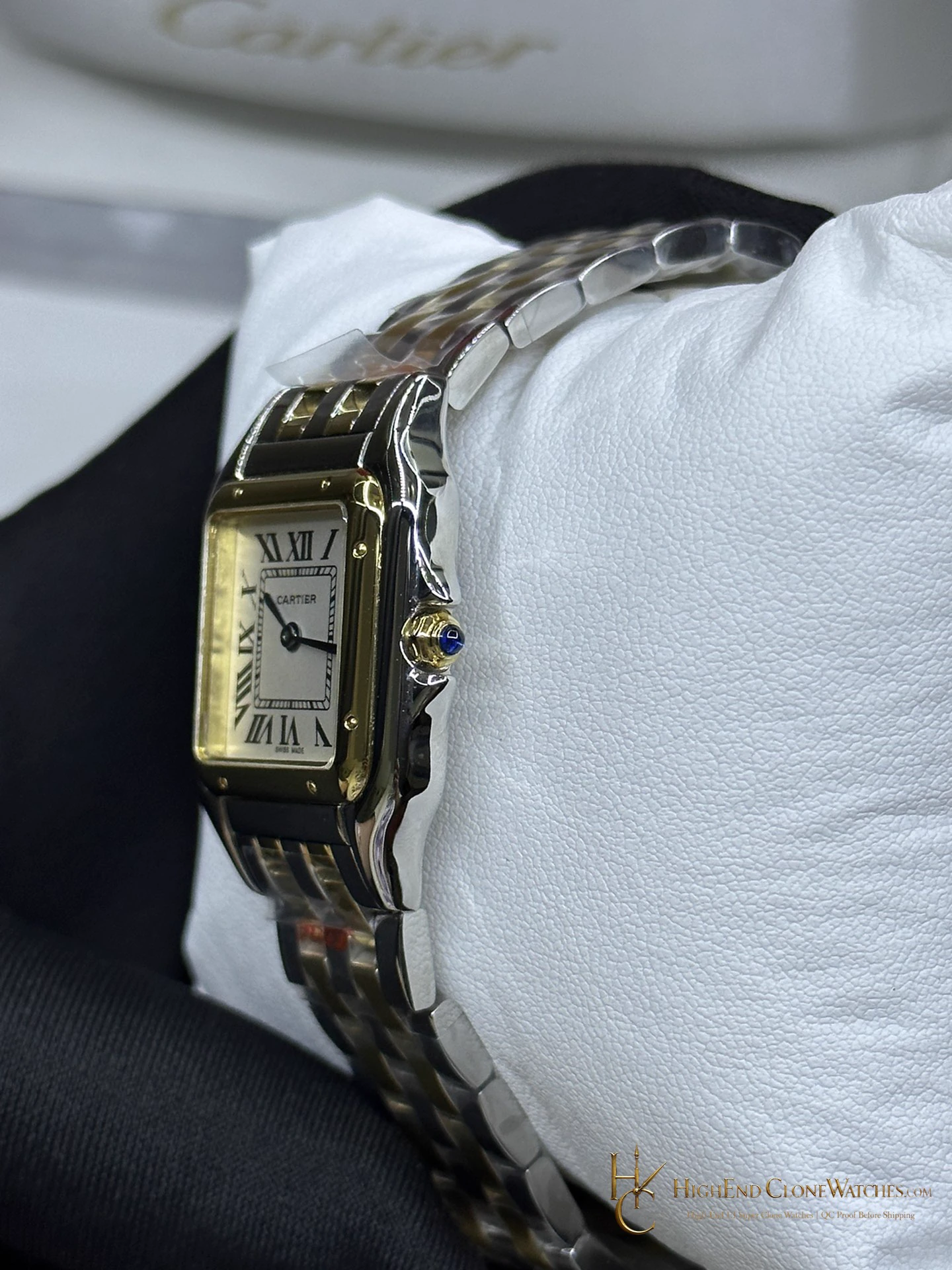
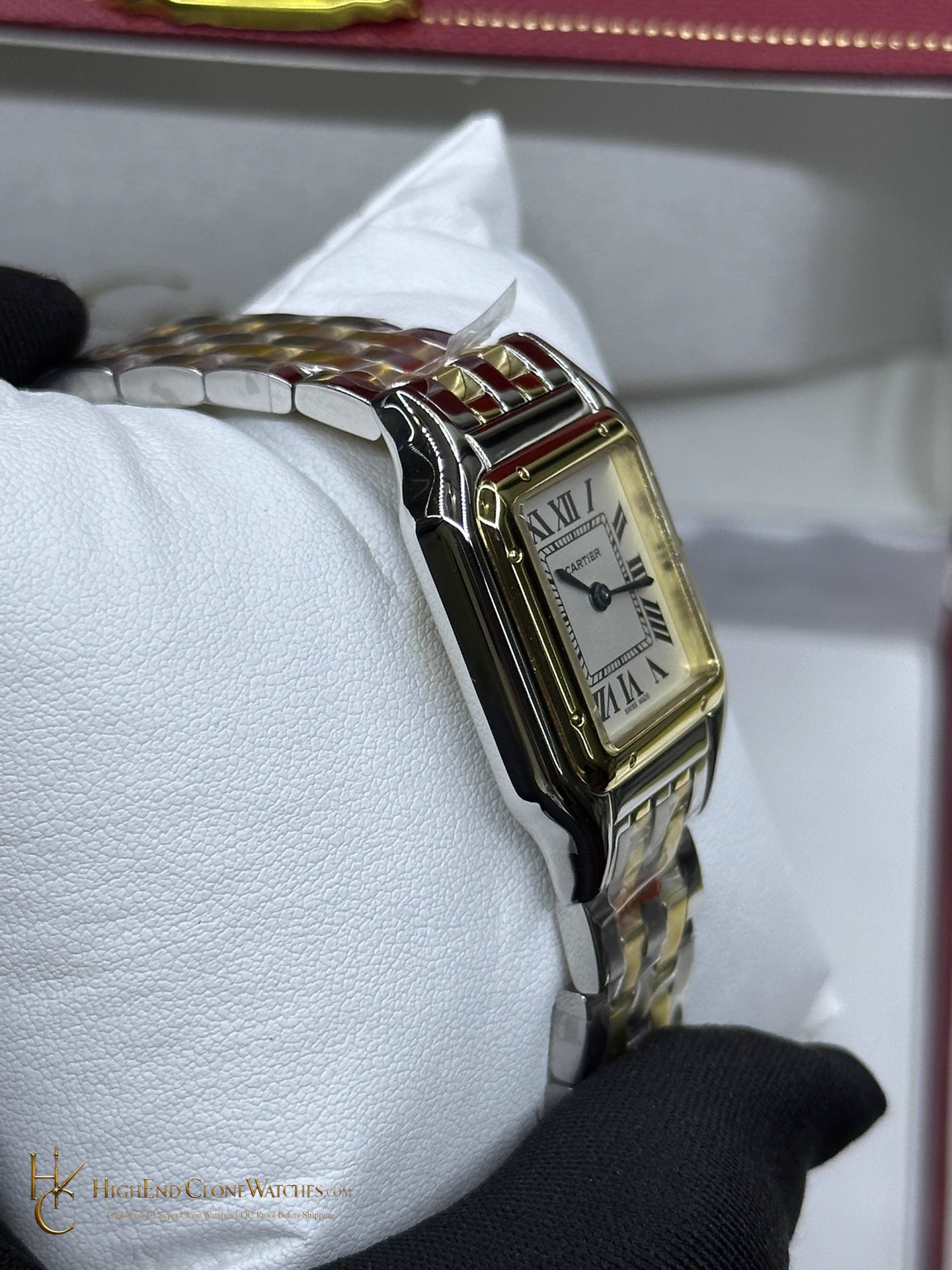
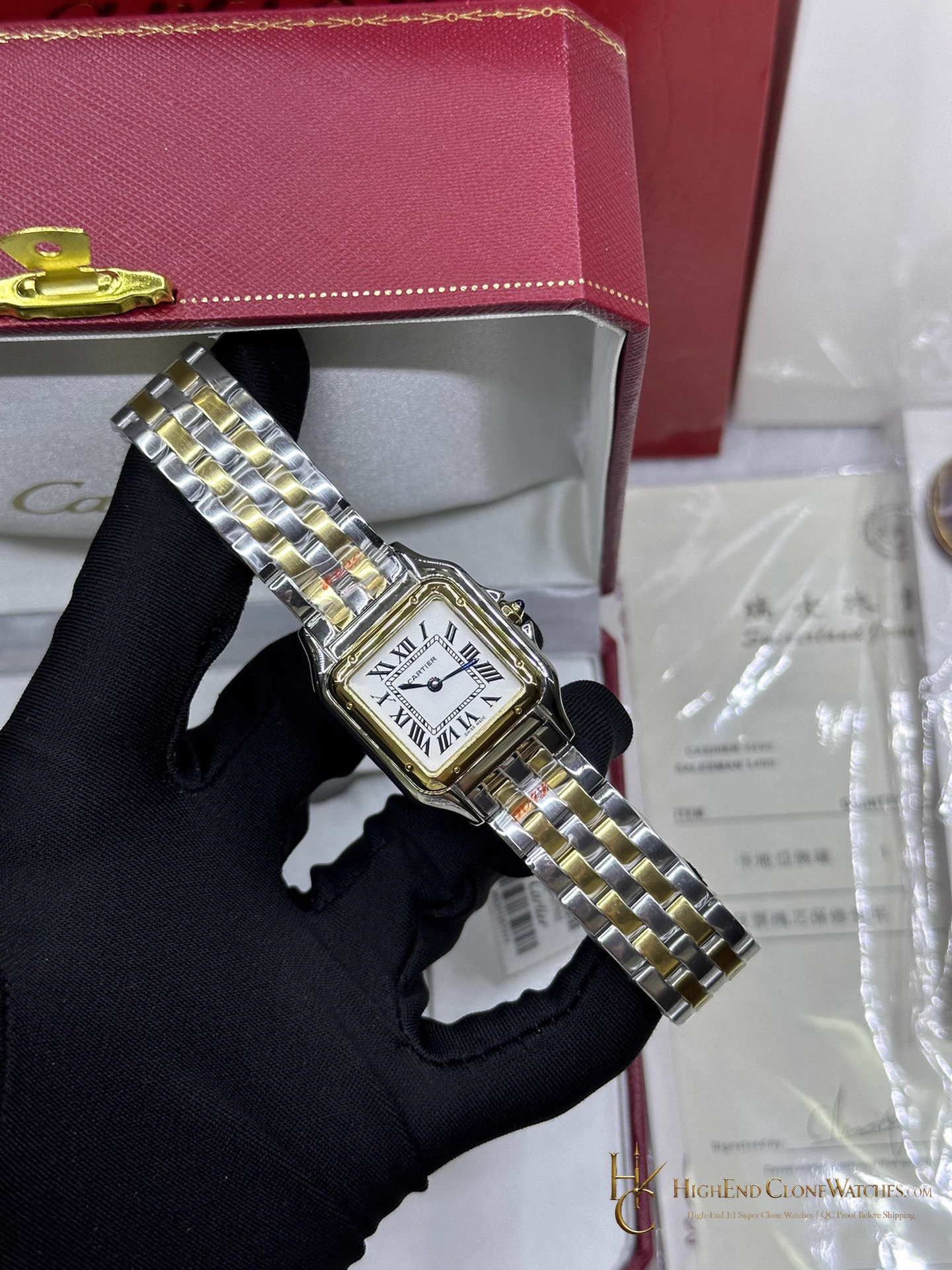
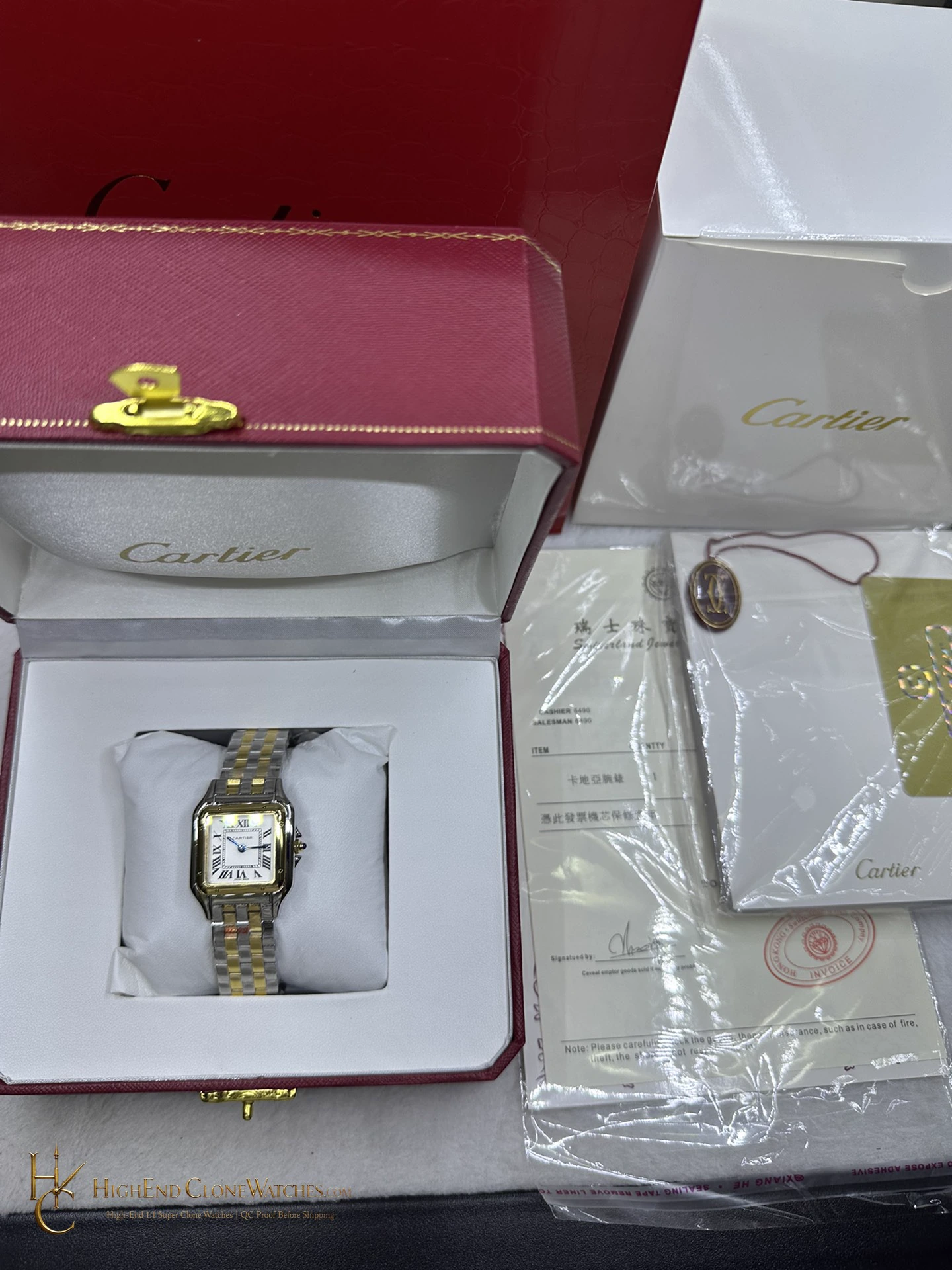
The W2PN0013 is the compact Panthère at 22mm x 30mm, with a white Roman-numeral dial and two-tone articulated bracelet. The small rectangular case sits close to the wrist, so the bracelet line is as important to the look as the dial. AF uses a slim quartz format, leaving the two-tone multi-link bracelet free to define the small watch. The medium W2PN0007 offers a clearer dial presence if the compact scale is too discreet.
The W2PN0013 is the compact Panthère at 22mm x 30mm, with a white Roman-numeral dial and two-tone articulated bracelet. The small rectangular case sits close to the wrist, so the bracelet line is as important to the look as the dial. AF uses a slim quartz format, leaving the two-tone multi-link bracelet free to define the small watch. The medium W2PN0007 offers a clearer dial presence if the compact scale is too discreet.
Confirmed configuration
- Factory / Version
- AF Factory Best Edition
- Movement
- Swiss Ronda quartz
- Case Size
- 22mm x 30mm
- Thickness
- Approximately 6.0mm
- Material
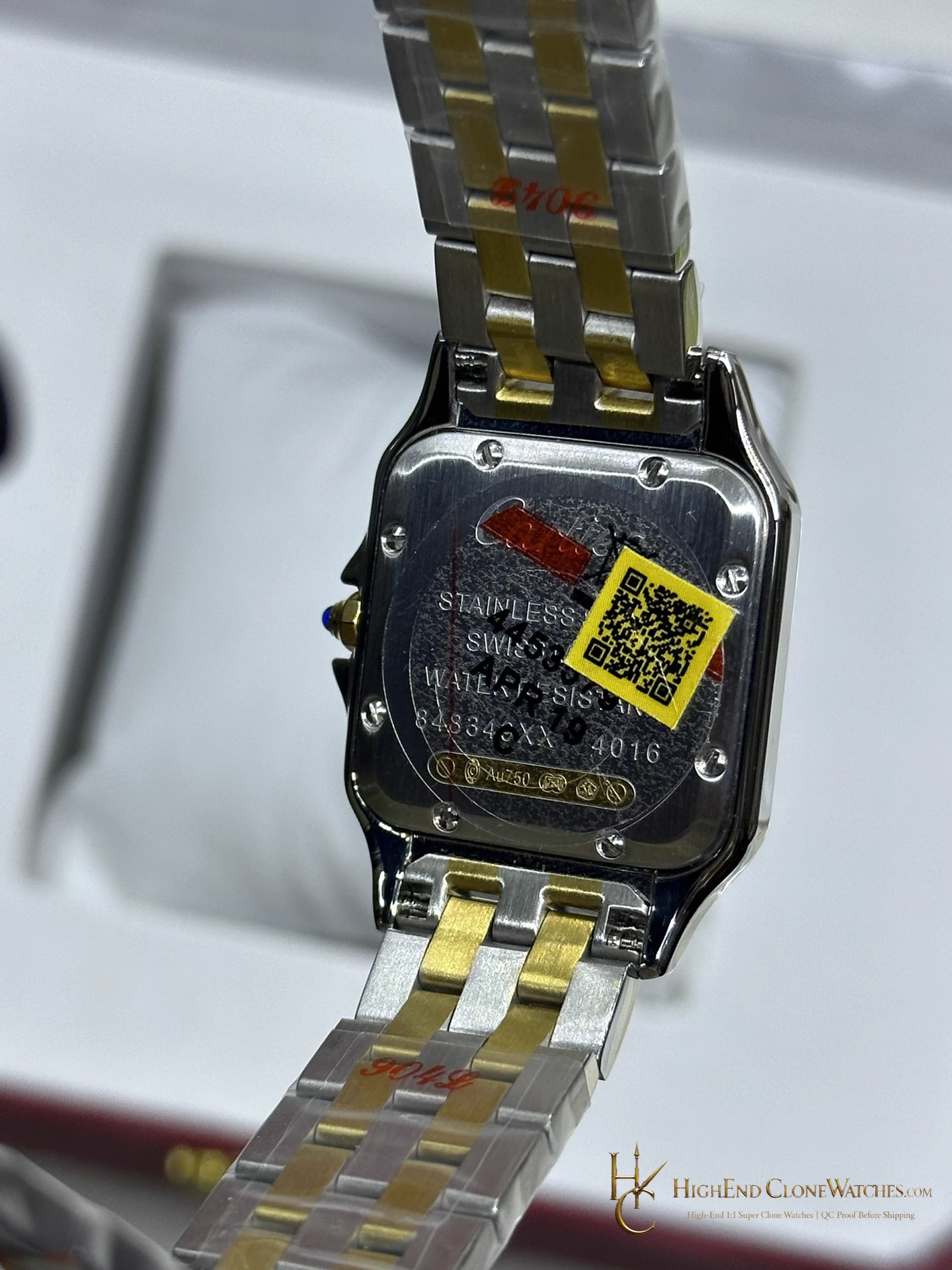
- Stainless steel with 18K yellow gold plating
- Dial
- Silvered opaline dial with black Roman numerals and blued sword hands
- Bezel
- Yellow gold-plated bezel secured by eight screws
- Bracelet
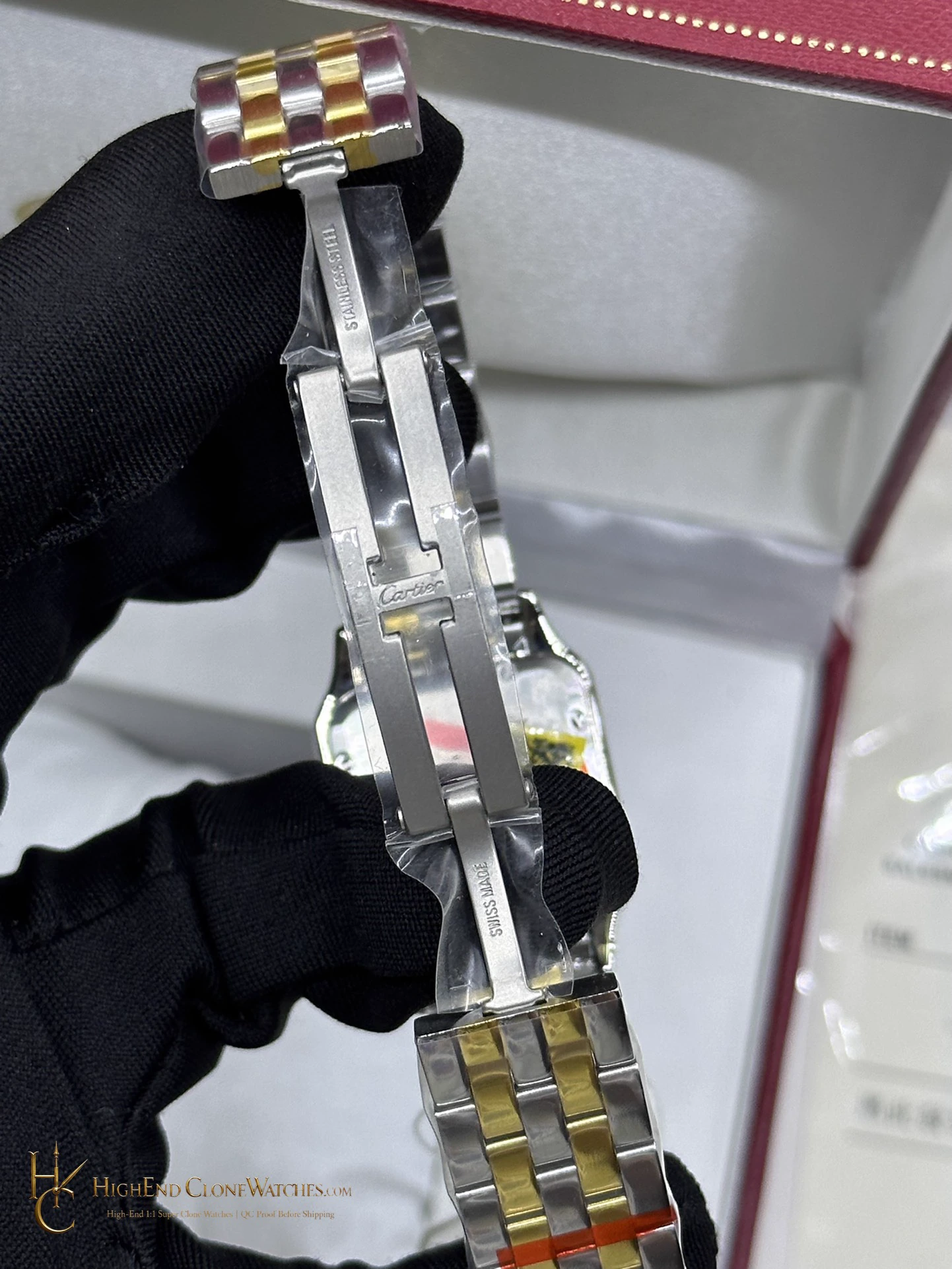
- Two-tone multi-link bracelet
Compact Panthère proportions
W2PN0013 keeps the Panthère's bracelet-led identity in a 22mm x 30mm format. The rectangular case is discreet, while the articulated two-tone links create the jewellery-watch effect around the wrist. It suits smaller wrists and formal outfits that call for a watch with presence measured in line and proportion rather than dial size.
The medium Panthère beside it
The 27mm x 37mm W2PN0007 is the larger alternative when more dial and bracelet structure should remain visible through a cuff. W2PN0013 is the quieter, closer-fitting choice.
Link articulation on the small Panthere
AF's Panthere construction puts attention on the multi-link bracelet: the links bend with the wrist rather than leaving the small rectangular case visually separate. A Swiss Ronda quartz movement suits the compact two-hand format. The plated two-tone finish follows the bracelet through the case, making the 22mm x 30mm watch read as jewellery rather than a reduced sports model.
Bracelet-led finishing
Before dispatch, our QC team reviews the rectangular case corners, dial centring, two-tone transitions, bracelet articulation and clasp engagement.
The small Panthère is most convincing when the case and bracelet are read as one continuous rectangle-to-link line. That is the detail that separates it from a conventional small round dress watch.
Questions to settle before ordering
Why choose the small Panthère?
It preserves the rectangular case-to-bracelet line in a compact format suited to smaller wrists and discreet jewellery styling.
When is the medium W2PN0007 preferable?
W2PN0007 measures 27mm x 37mm and gives the bracelet and dial more wrist presence.
Choosing between two references?
Our watch desk can explain differences in case proportion, dial layout and wearing style.
QC proof before dispatch